How Soracom Inventory works with other Soracom services
|
Use Inventory + Harvest for device and data insights
Use Inventory + Lagoon for dashboards
Use Inventory + Beam/Funnel/Funk for cloud workflows |

Device Management Service
Soracom Inventory
Device management service based on LwM2M that lets you monitor, configure, and control IoT devices remotely without custom infrastructure.
Manage and monitor devices remotely without building your own device management platform
Soracom Inventory provides secure, lightweight LwM2M device management so you can monitor device health, push configuration updates, gather diagnostics, and control device behaviors remotely. It eliminates the need for custom management servers or proprietary device management tools.
Remotely configure devices at scale using an open, lightweight standard
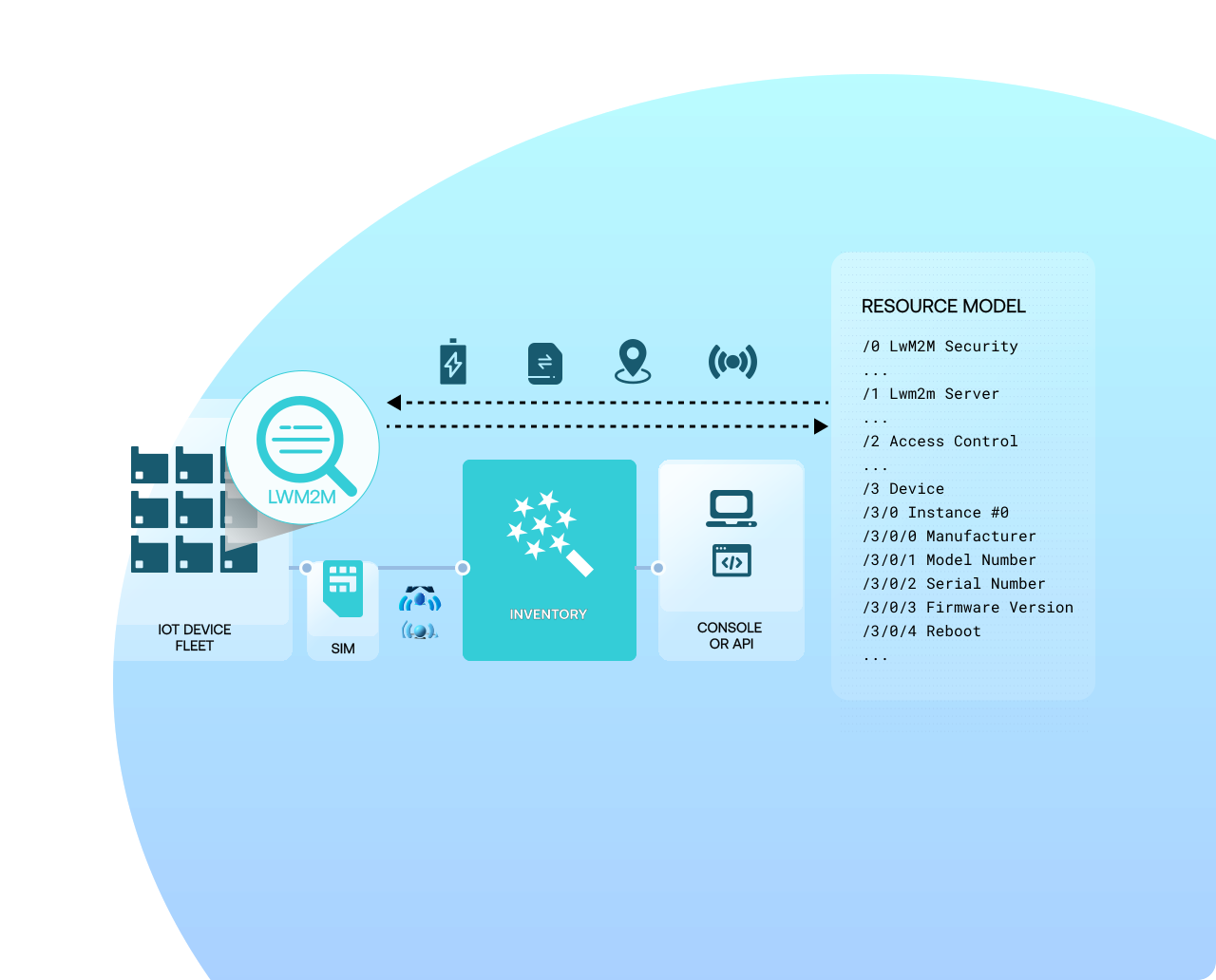
Inventory lets you manage settings, collect metrics, retrieve logs, and initiate actions using the industry-standard Lightweight M2M (LwM2M) protocol. Devices connect through Soracom’s platform, allowing you to securely read and write parameters, perform remote actions, and manage fleets without running a device management backend. Inventory is ideal for battery-powered, low-data, or remote devices that need consistent configuration and operational visibility.
Why use Soracom Inventory for your project?
Standardized control
Manage devices using a proven open standard instead of custom tooling.
Lightweight & efficient
LwM2M minimizes bandwidth and power draw—ideal for remote or battery devices.

Fleet scalability
Apply updates across all devices without building your own management backend.
How it works
Standards-based LwM2M device management
Inventory uses the open LwM2M protocol, enabling device monitoring, configuration, and control with minimal overhead. Read and write parameters, manage object models, and trigger operations securely from the Soracom Console or API.
Remote configuration and diagnostics
Access telemetry, logs, battery status, connectivity info, sensor readings, and device resources remotely. Initiate actions such as reboot, update settings, or modify operational parameters without touching deployed hardware.
Manage fleets at scale
Inventory integrates tightly with Soracom SIM groups, allowing you to manage hundreds or thousands of devices consistently. Control access, automate behavior, and apply configuration changes across your entire fleet.
Architecture and implementation
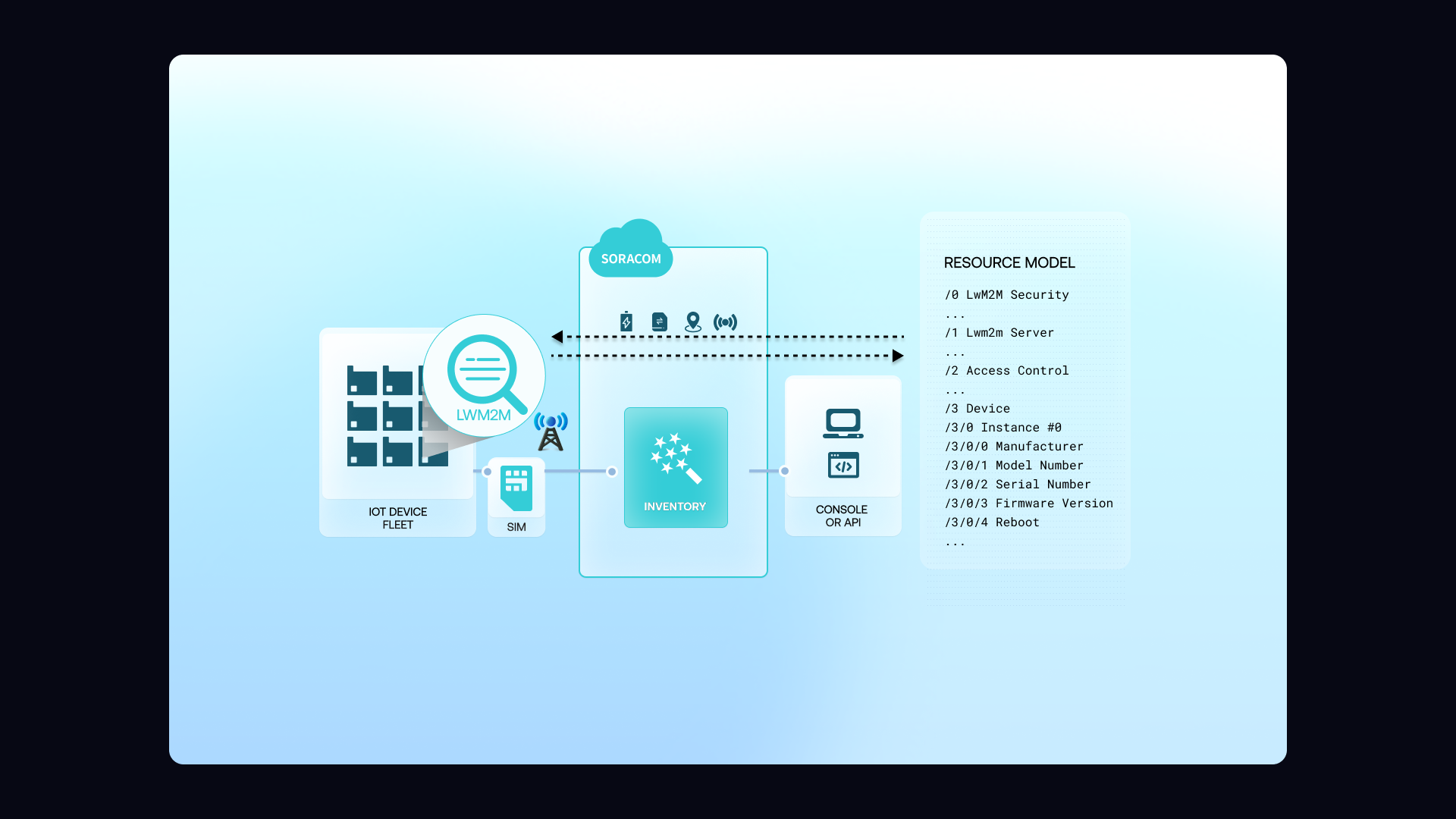
Each device runs an LwM2M client that communicates with Soracom Inventory through the Soracom platform. Inventory collects metrics, exposes object models, and provides remote control operations through the Console or API. You can read and write resources, trigger actions, and view diagnostics—all without directly connecting to devices or deploying custom servers. Inventory is designed for low-bandwidth, low-power devices that need consistent management at scale.
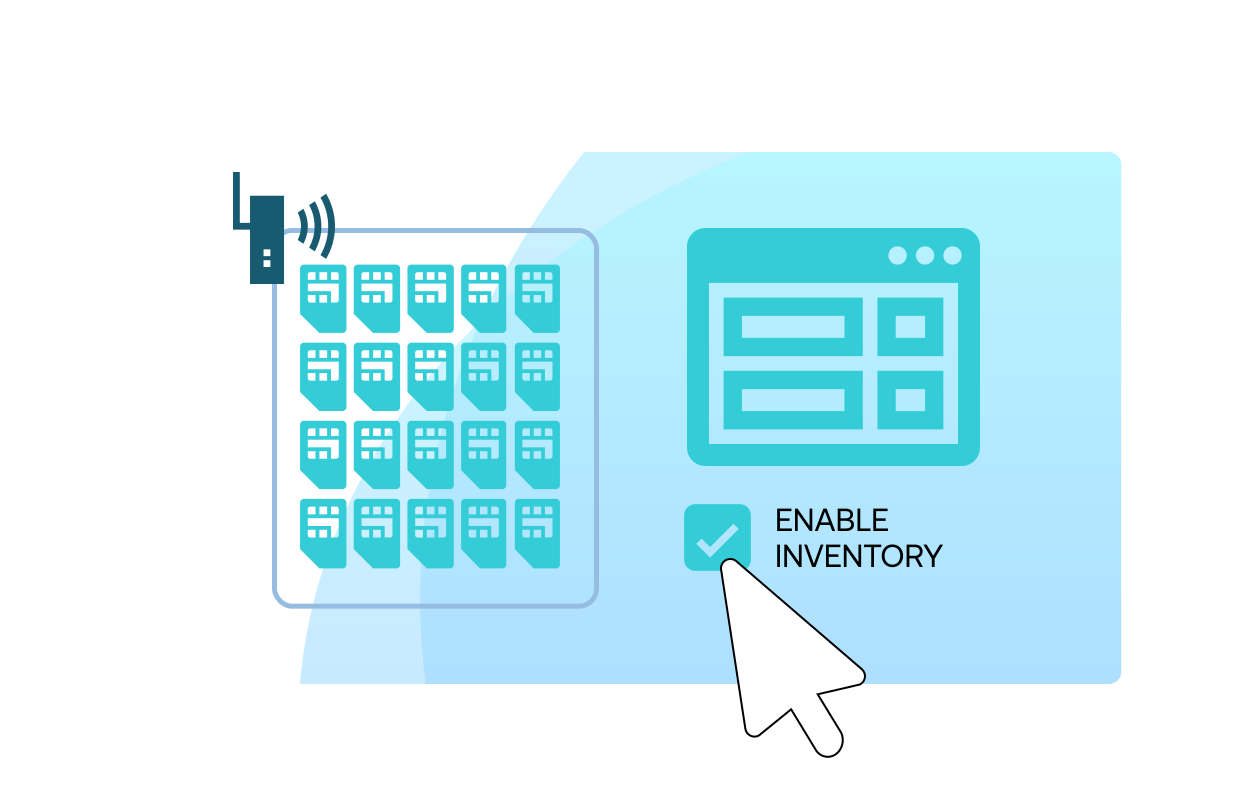
Step 1
Register your devices and enable Soracom Inventory for your SIM group
Open the Soracom User Console and select the SIM group that contains the devices you want to manage.
In the group settings, enable Soracom Inventory to activate LwM2M-based device management features for all devices in the group.
Then register each device with an Endpoint Identifier (EP-ID) and associate it with the correct SIM, allowing Soracom to authenticate and manage the device through the Inventory service.
Setup details are provided in the Soracom Inventory documentation.
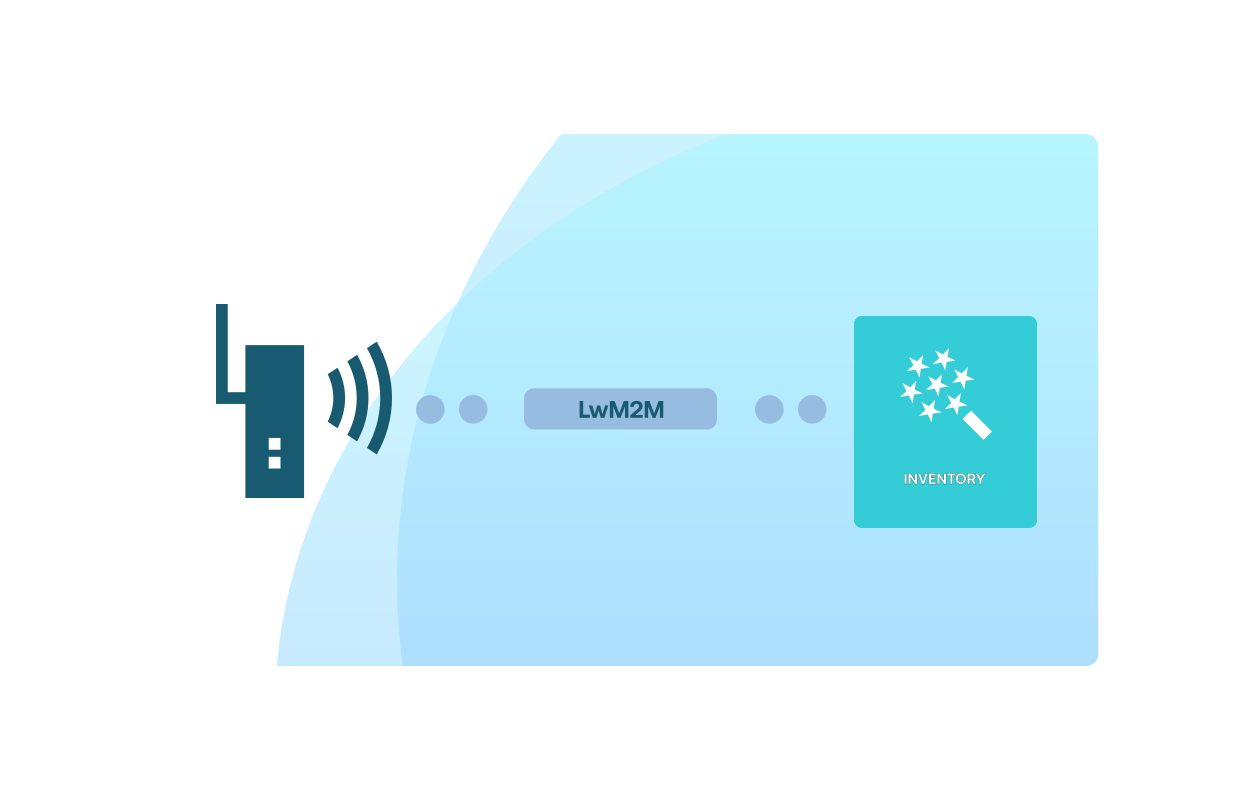
Step 2
Configure your device to communicate with Soracom Inventory using LwM2M
Set up your device’s LwM2M client to connect to Soracom’s Inventory endpoint using the EP-ID you registered.
Most LwM2M-capable modules and gateways only require configuring the server URI, endpoint name, and PSK/identity credentials.
Once configured, the device will automatically establish secure LwM2M sessions with Soracom, enabling remote monitoring, object reporting, and command execution.
Refer to device-side setup instructions in the Inventory device configuration guide.
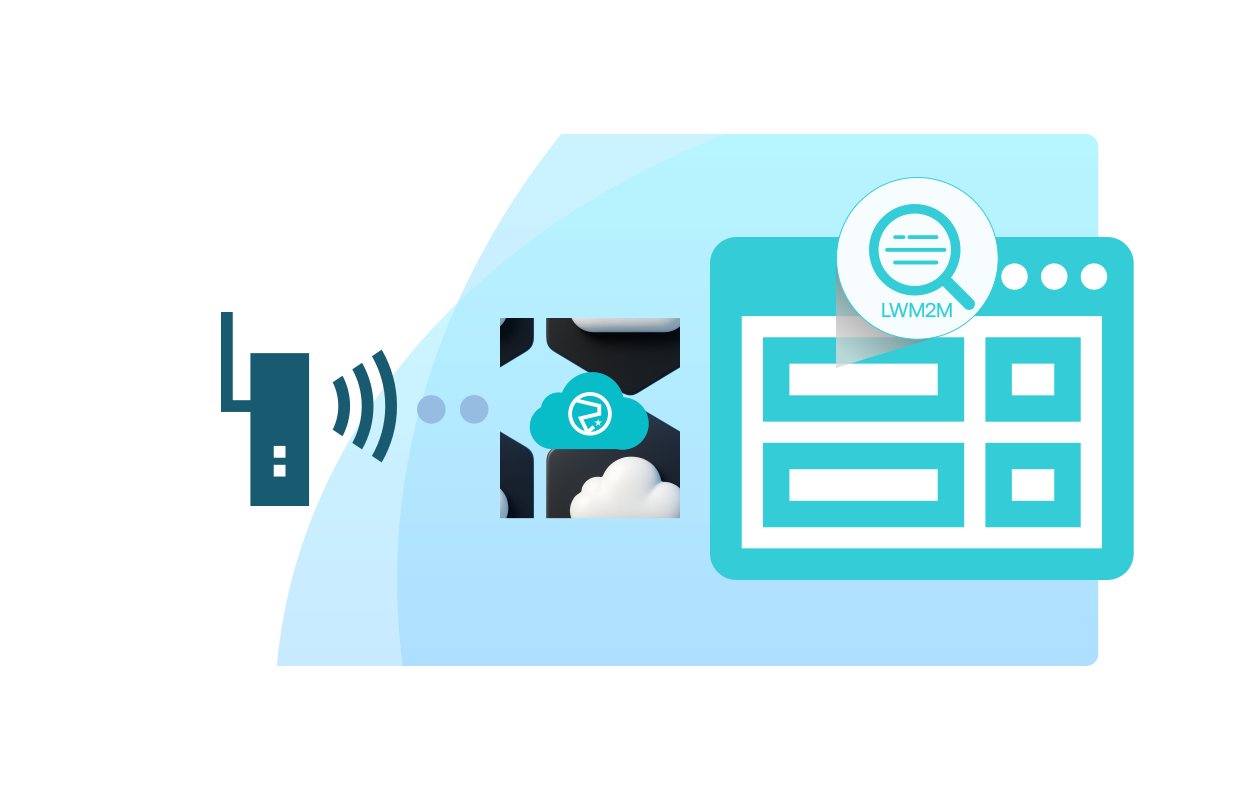
Step 3
Monitor device state and control devices from the Inventory console
Use the Inventory section of the Soracom User Console to view device status, inspect reported LwM2M objects, and monitor sensor values or operational metrics.
Inventory also allows you to send LwM2M commands, trigger firmware updates, and modify device configuration remotely without custom backend infrastructure.
You can also integrate Inventory data with automation workflows by pairing it with Soracom Event Handler or Flux for alerts and fleet-wide actions.
Learn more in the Monitoring devices with Inventory documentation.
How Soracom Inventory works with other Soracom services
|
Use Inventory + Harvest for device and data insights
Use Inventory + Lagoon for dashboards
Use Inventory + Beam/Funnel/Funk for cloud workflows |

Manage your IoT devices remotely with Soracom Inventory
Create a free Soracom Operator ID and connect an LwM2M-capable device. Remotely monitor health, configure settings, and control devices without deploying a backend.
Frequently Asked Questions
What is Soracom Inventory?
Inventory is Soracom’s LwM2M-based device management service for remote monitoring, configuration, and control.
What kinds of devices work with Inventory?
Any device with an LwM2M client, including many microcontroller-based, low-power, or cellular IoT modules.
Does Inventory require public IPs or firewall changes?
No. All communication happens through the Soracom core network.
Is Inventory appropriate for large fleets?
Yes. Inventory scales across thousands of devices using Soracom SIM group management.
Do I need to run my own LwM2M server?
No. Soracom provides the server—the device simply runs an LwM2M client.
Can I change device settings remotely?
Yes. You can read and write resources, apply configurations, or trigger defined actions.
How does Inventory interact with Harvest or Lagoon?
Inventory provides device metadata and health data; Harvest stores telemetry; Lagoon visualizes both.